Your AI coding agent builds the app. DronaHQ MCP ships it to production.
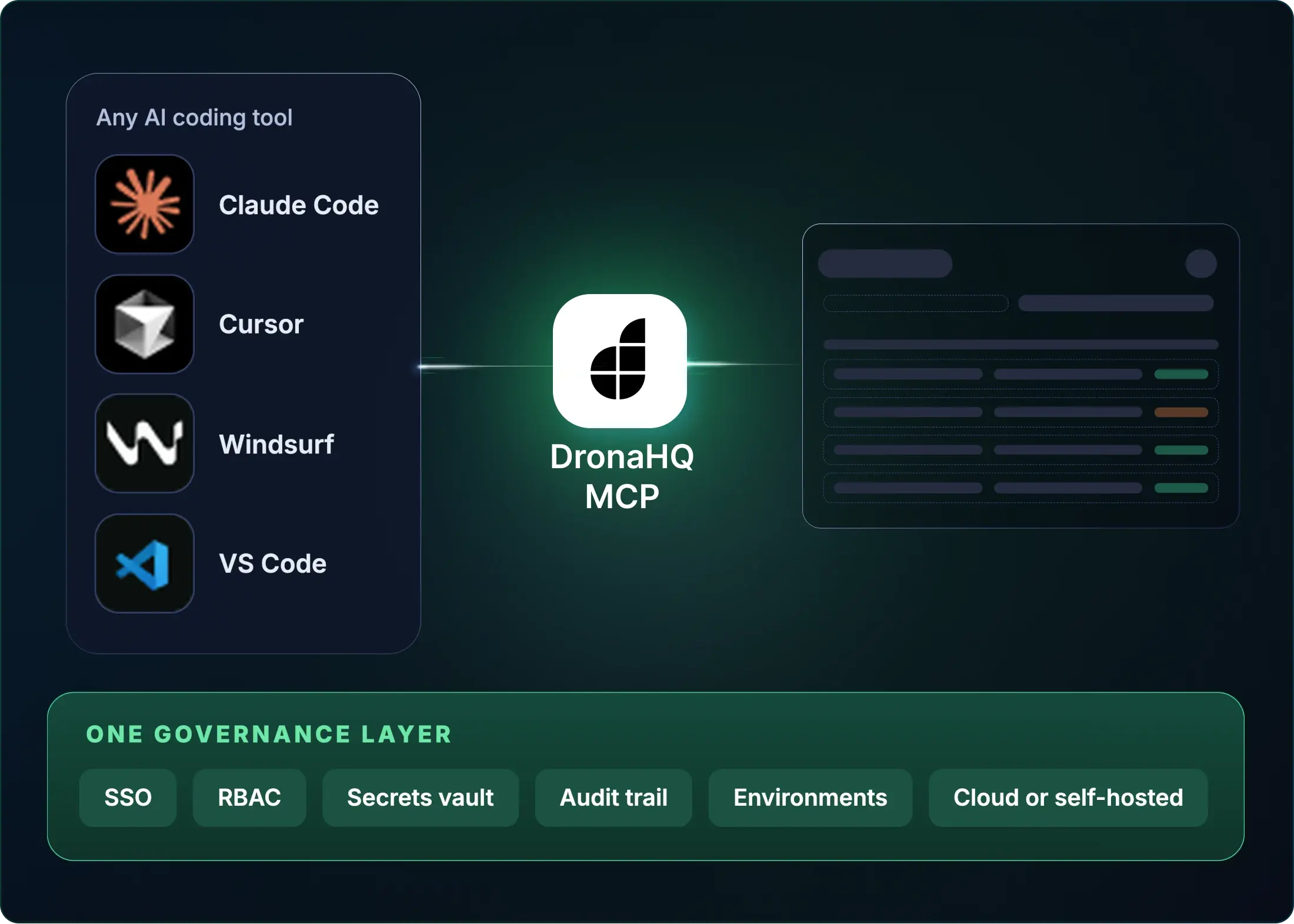
Connect your coding tool to DronaHQ over MCP. The internal apps it builds go live with SSO, RBAC, a secrets vault, environments and an audit trail already in place. Cloud or self-hosted.



SOC 2 Type II · ISO 27001 · SSO/SAML · Cloud or self-hosted
Works with any MCP-compatible client. No new IDE. Demo: 30 minutes with an engineer, not a sales rep. Schedule a walkthrough
Your coding agent can build it. It can’t ship it.
Claude Code will generate a working admin panel in minutes. Then comes everything it can’t do for you. Do that for the next eleven internal tools and that’s the year.
| THE QUESTION | WITHOUT A PRODUCTION LAYER | WITH DRONAHQ MCP |
|---|---|---|
| Where does it run? | A server, a pipeline, a certificate, a DevOps ticket | Hosted on DronaHQ, our cloud or yours |
| Who can sign in? | SAML mapping and an IdP ticket per app | SSO with your identity provider |
| Who sees what? | Role logic written into each app | RBAC on every app, by default |
| Where do the keys live? | A .env file that ends up in a repo | A vault, never in generated |
| Who changed what? | Bolted on after the first incident | Audit trail of every build and deploy |
| What data can it touch? | A new backend, or a hole in the firewall | Governed SQL, NoSQL, REST and gRPC connectors, SSH tunnel |
The production layer your agent can’t generate

-
 3 weeks of SAML
- A toggle


- Logic in code
- Permission matrix


No server. No pipeline. No certificate. No DevOps ticket.
One place for IT to see every AI-built app
Developers move at AI speed. Governance doesn’t depend on anyone remembering to add it.
Users → Apps
Developers → Teams
Apps → Data
Every AI-built app in one inventory, with its access, data permissions and versions.
What DronaHQ MCP is for, and what it isn’t
Use DronaHQ MCP for
- CRUD
- Internal tooling
- Dashboards
- Field-force apps
Keep your own backend for
- Heavy proprietary logic
- Real public API surface
Frequently asked questions
A connection between your AI coding tool and DronaHQ, so the internal apps your agent builds run on DronaHQ’s governed web and mobile runtime with SSO, RBAC, secrets, environments and audit logs built in.
The Model Context Protocol is an open protocol that lets AI tools such as Claude Code or Cursor call tools and use data from other systems.
Claude Code, Cursor, VS Code and Windsurf, plus any MCP-compatible client.
No. Agents use governed connectors and credentials stay in the vault.
Yes, DronaHQ runs in the cloud or self-hosted.
DronaHQ MCP lets your coding agent build apps on DronaHQ. The MCP Server builder turns a connector’s queries into a scoped MCP server for
your own agents.
Included in App platform plans
Bring one workflow your team plans to build with Claude Code.
Thirty minutes with an engineer who has shipped this before. Leave with a build plan to take it to production on DronaHQ.